

Desktop app · Windows and macOS
KaDeep Studio Pro v4
Autonomous E2E release-readiness QA platform. Know what is ready to launch, so your team can see what is covered, what needs attention, and make an informed go/no-go decision.
Checking the latest version.
Intel Macs are not supported. Which Mac do I have?
The desktop app is for a Mac or a Windows PC. Open this page on that computer, or get the mobile companion below.
Mobile companion
Your QA agent, from your phone
The phone app is a companion to the desktop app and to studio.kadeep.ai. It keeps you with the agents while they test.
-
Watch the agent live
See the browser, phone or computer it is testing on, as it works.
-
Answer its questions
Give it a login or a one-time code, or tell it what to do next.
-
Approve its plans
Approve, change or reject a plan before the agent runs it.
-
Follow runs and bugs
Every chat and run across your projects, and the bugs it files with evidence.
The testing runs in KaDeep's cloud or on your computer, never on your phone.
-
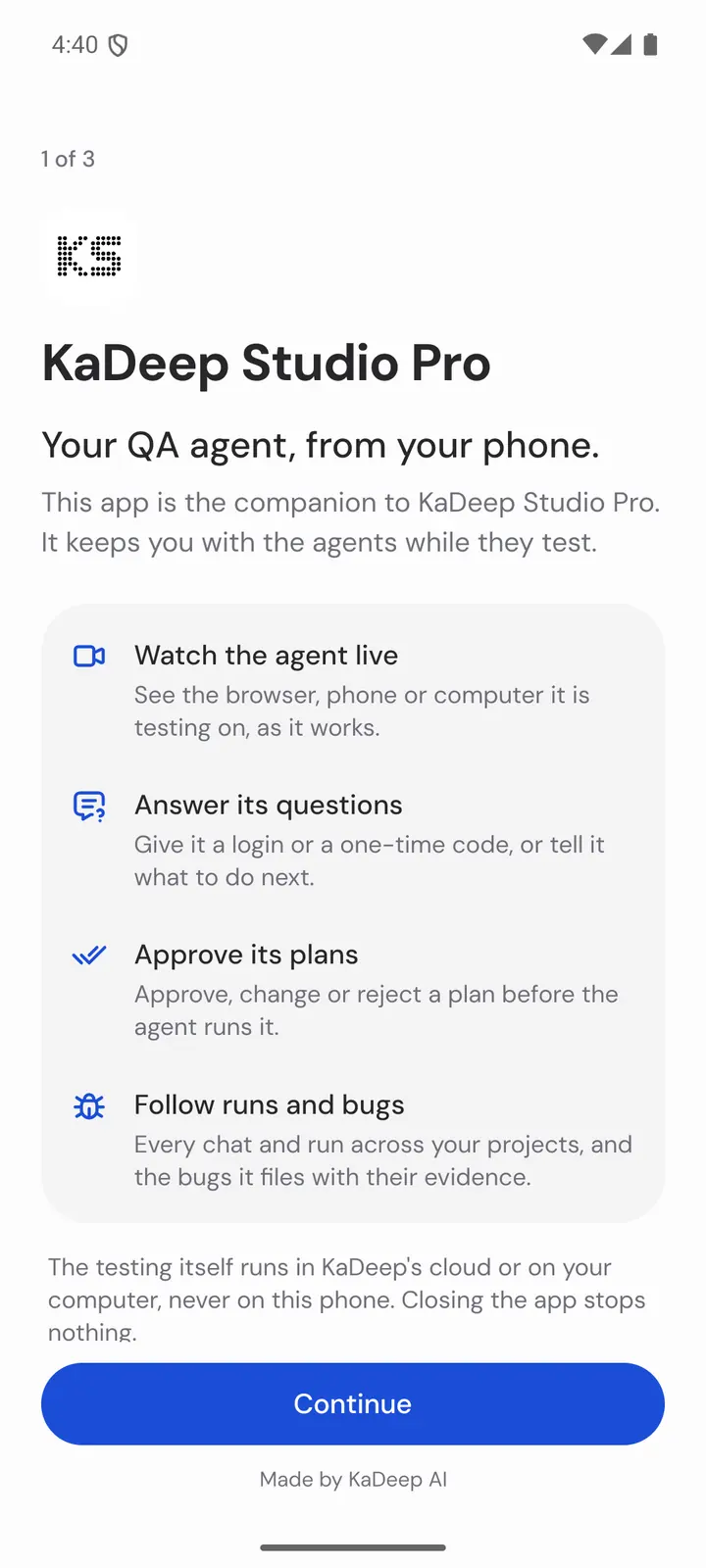
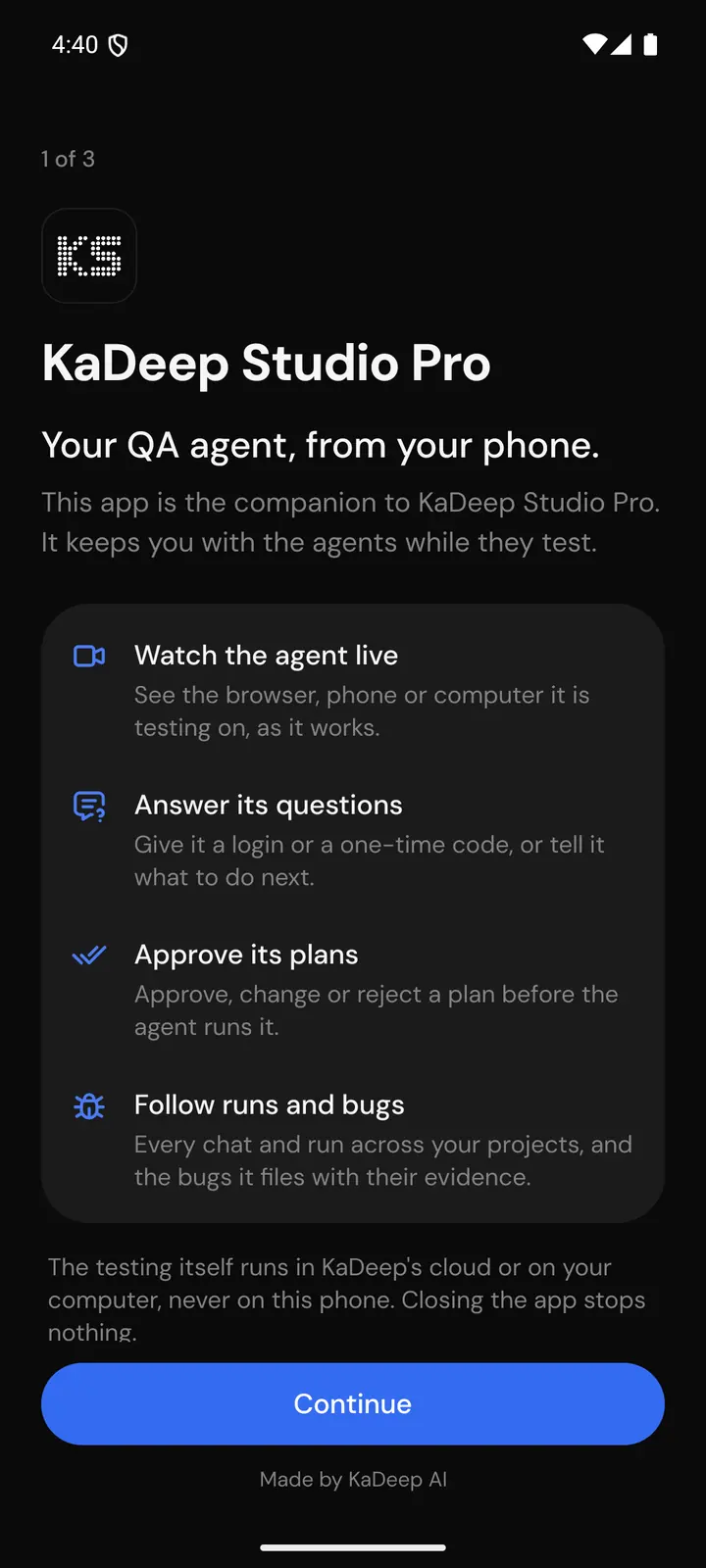
Start What the app is for. -
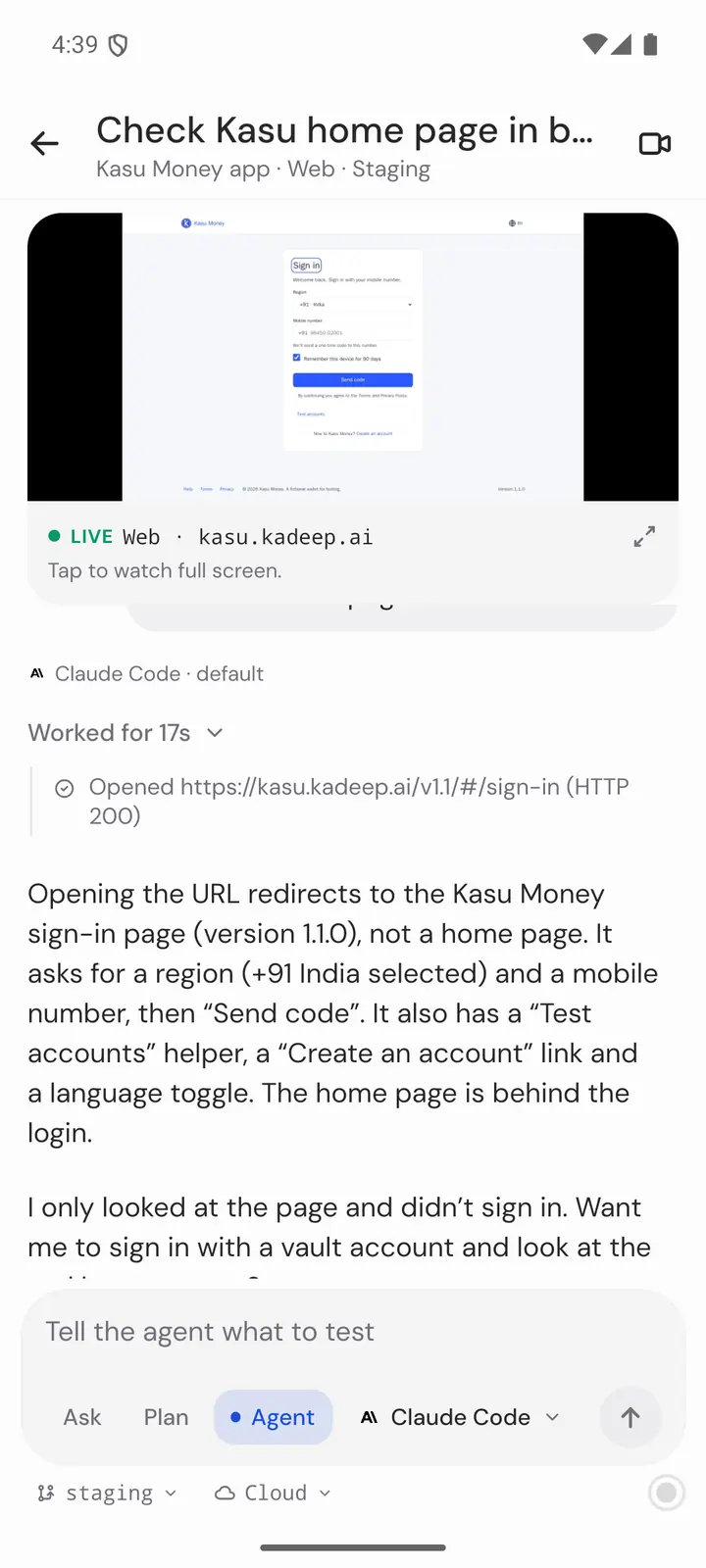
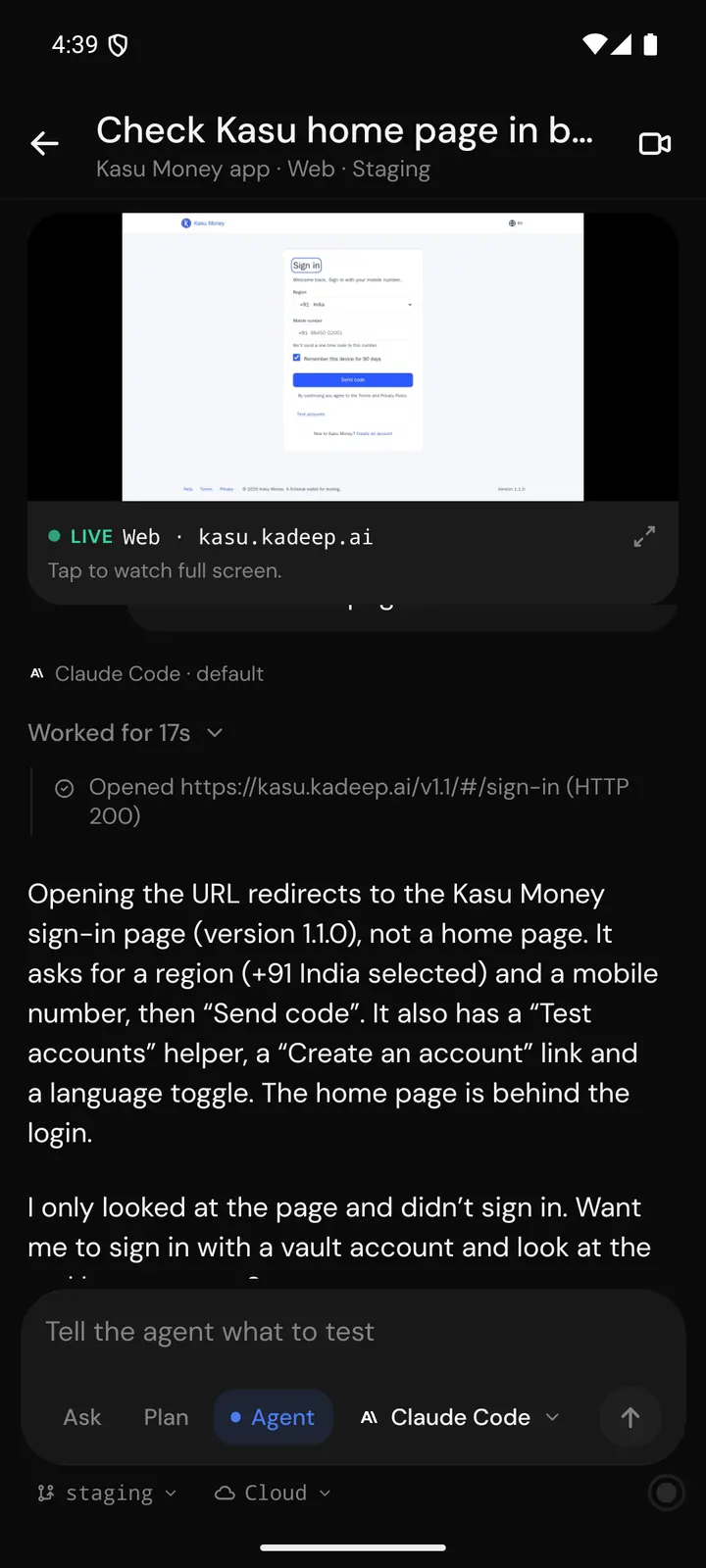
A chat The live view sits on top. -
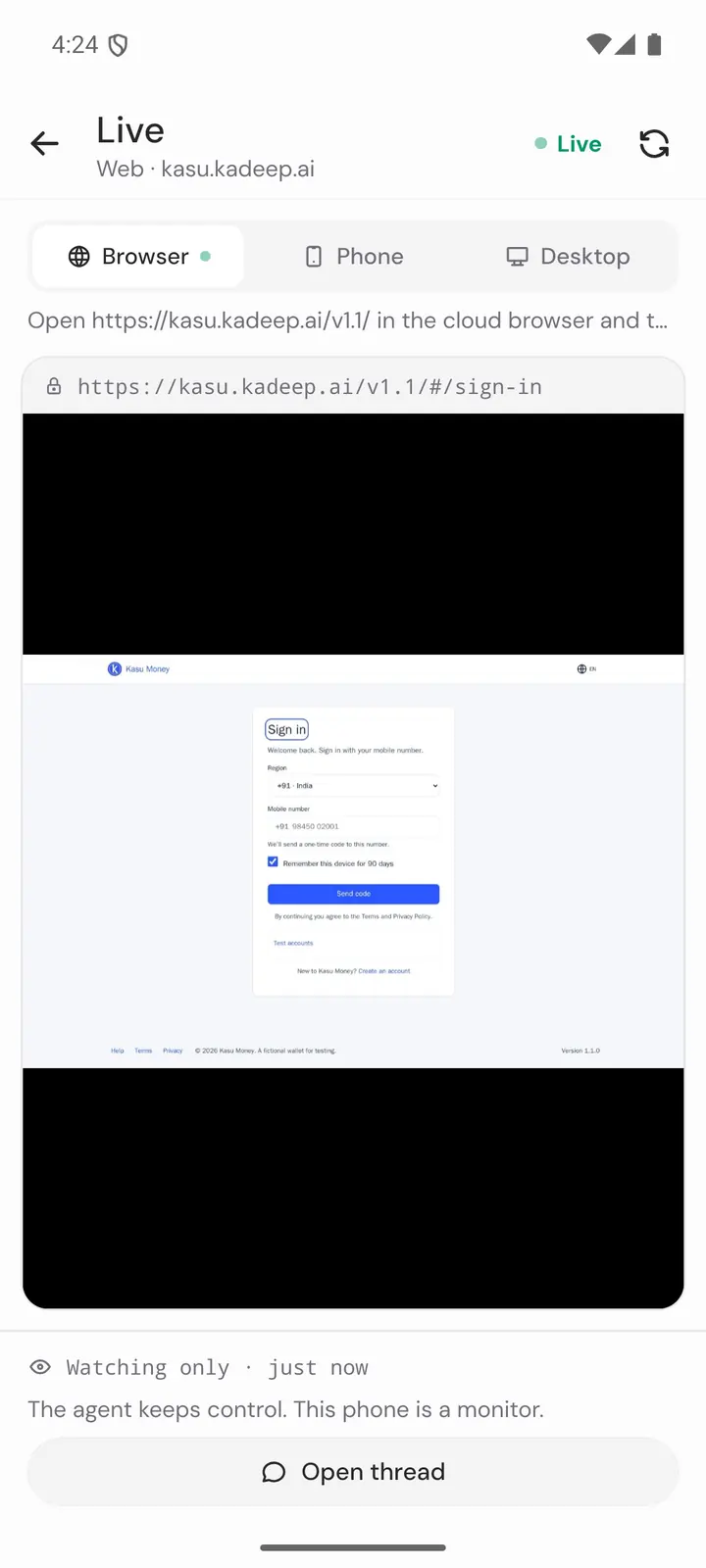
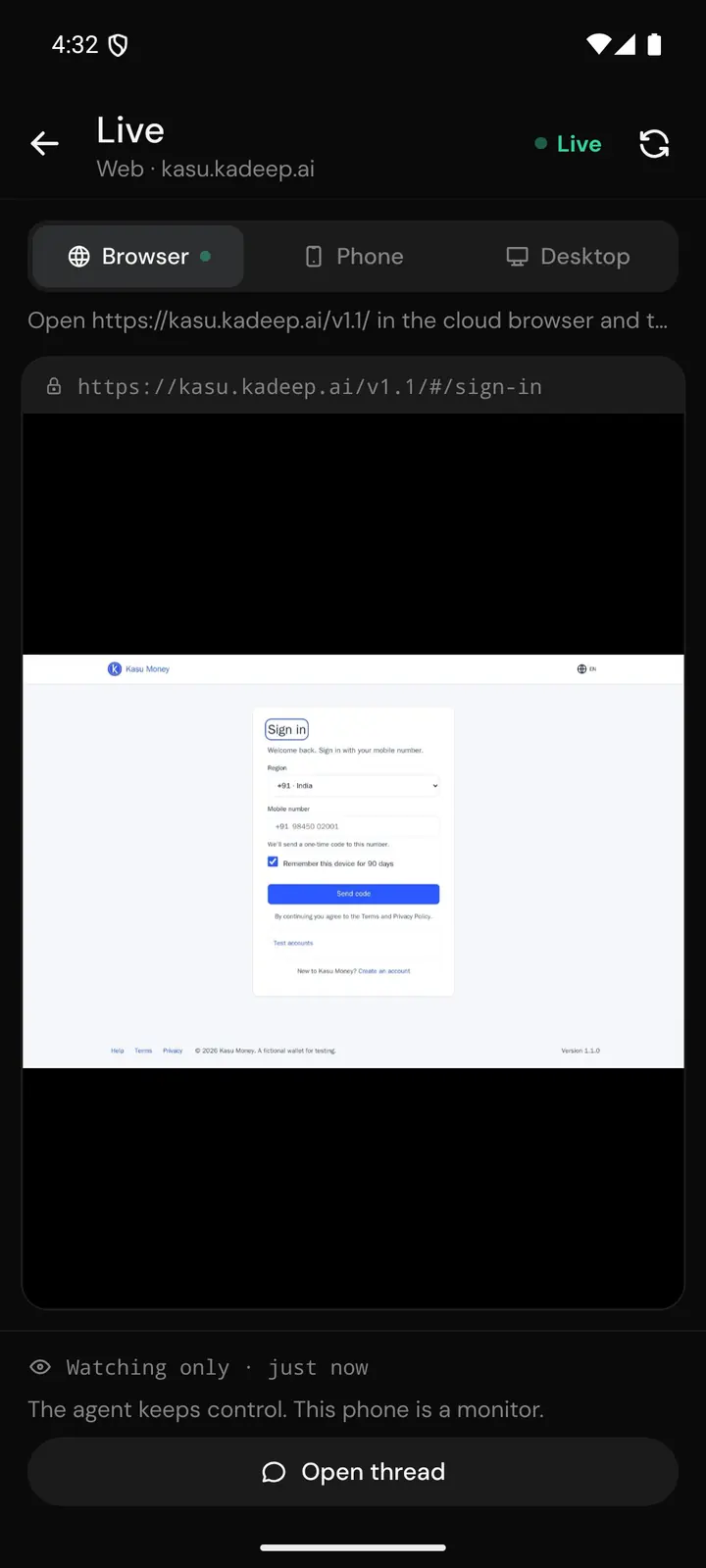
Live view Watch only. The agent keeps control. -
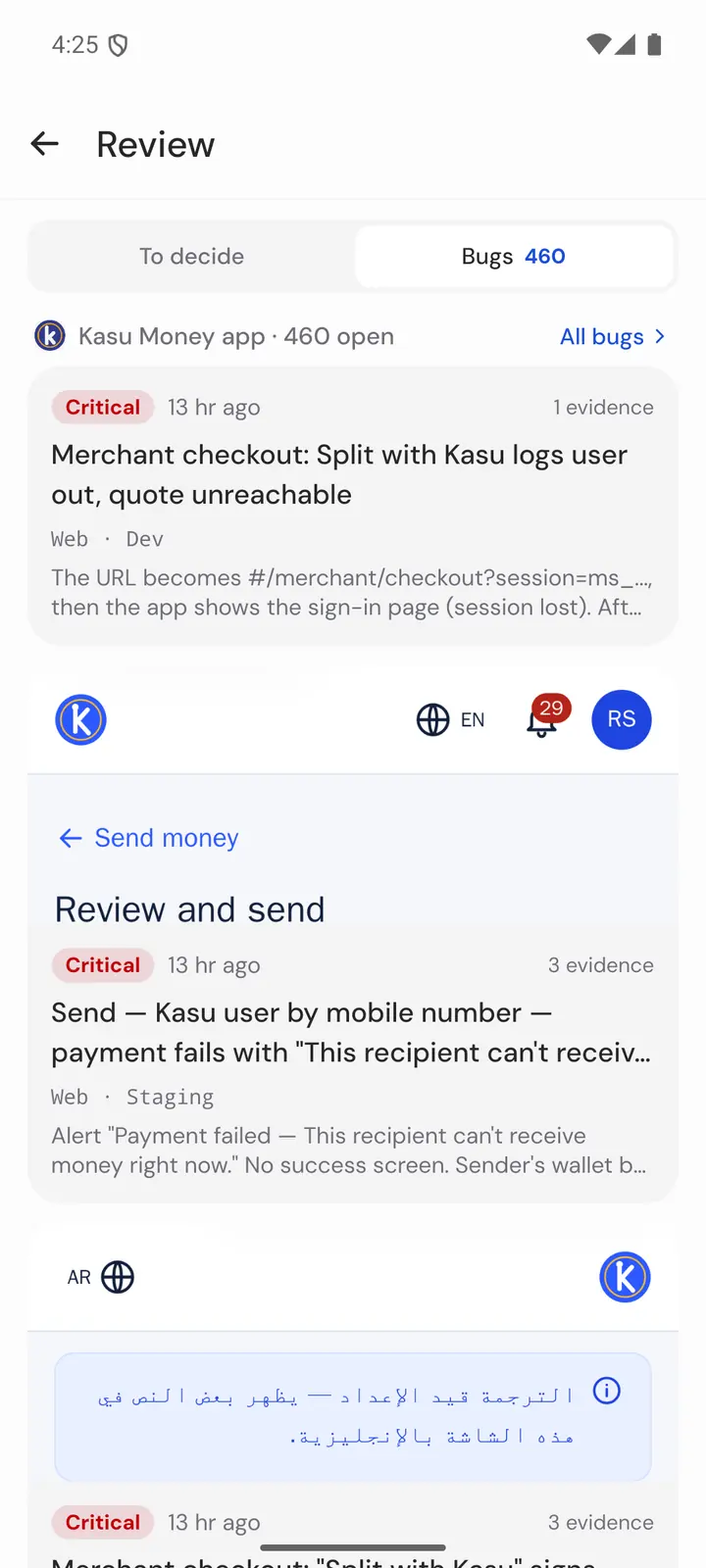

Review Bugs it filed, with evidence.
What's new
What changed in this version, in plain words. Earlier versions follow.
Install
A few steps, then the app is ready to sign in.
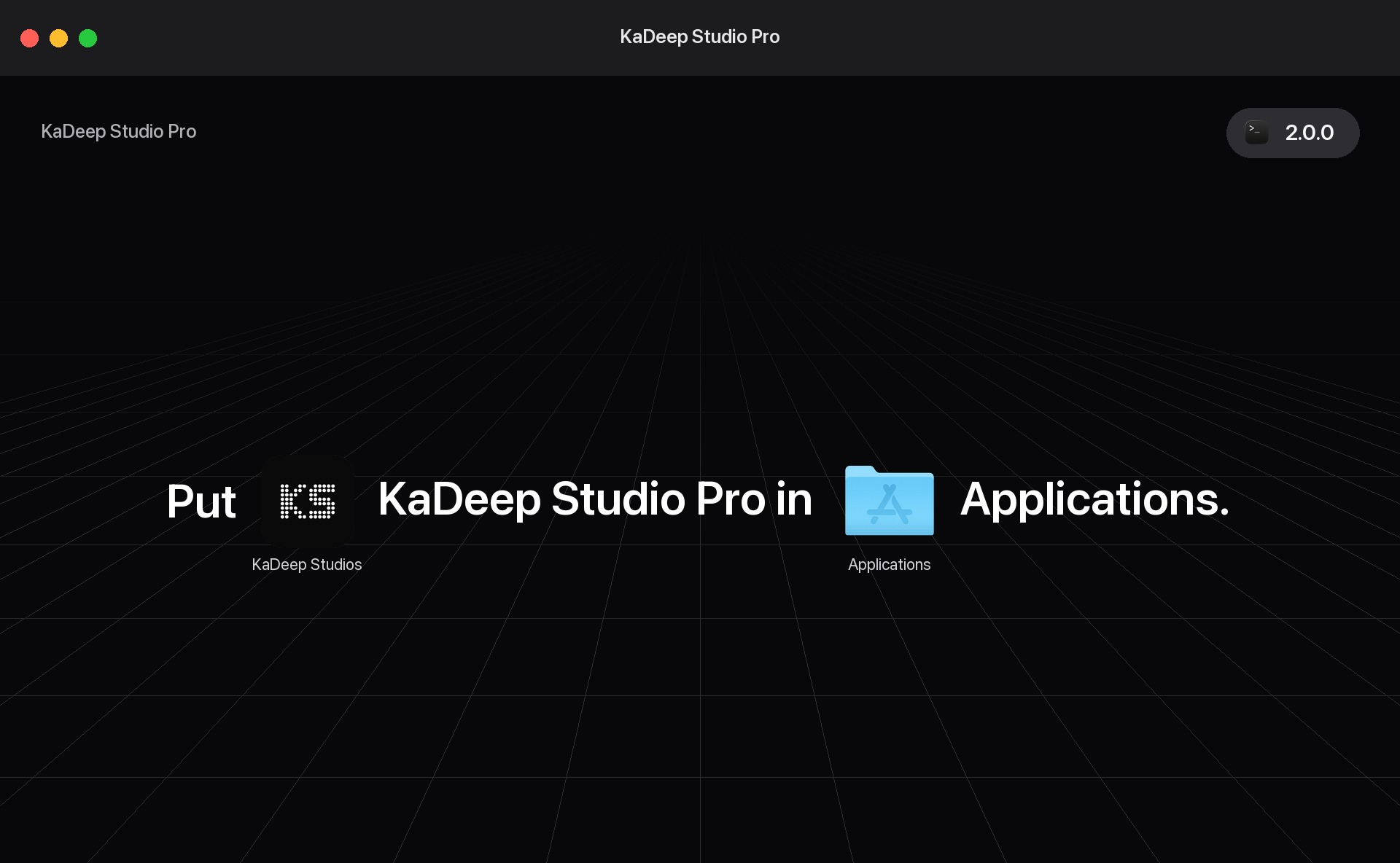
- Open the disk imageDouble-click the file you downloaded.
- Drag to ApplicationsDrag KaDeep Studio Pro onto the Applications folder.
- Unzip the downloadDouble-click the zip so the app is unpacked.
- Move to ApplicationsDrag KaDeep Studio Pro into Applications.
- Right-click → Open the first timeThe app is unsigned, so macOS asks once. In Applications, right-click the app, choose Open, then Open again. After that it opens normally.
If macOS says the app is damaged or can't be opened
Paste this into Terminal and press Return. It clears the download warning and opens the app.
xattr -cr "/Applications/KaDeep Studio Pro.app" && open "/Applications/KaDeep Studio Pro.app"- Open the setupDouble-click the file you downloaded.
- Allow it to runIf Windows says it protected your PC, choose More info, then Run anyway.
- Pick a folderKeep the suggested folder or choose another, then finish.
- Open the appUse the Start menu or the desktop shortcut.
After you install
What this computer can do once the app is on it.
-
Run a fleet of desktop agents
Connect more than one Mac or PC. Each runs its own agent, and can test the desktop apps on that machine.
-
Local mobile devices
Run an Android emulator and the iOS Simulator on this computer, and test those local devices from here.
-
Use the coding agent on this computer
Codex, Claude Code, Cursor, and the others already on this machine can run here. The work stays in KaDeep AI.
-
See the run as it happens
Watch the screen and what the agent is doing. A recording is there when the run finishes.
-
Take control, then hand it back
Step in during a desktop run, use the machine yourself, then give it back to the agent.
-
The release keeps its history
Every run and test case stays, with its result, screenshots, and recording. Open the release later and the evidence is still there.
Update
You do not download the app again. It checks while it is open, then asks you to restart.
- Leave the app openIt checks when it starts, and about every six hours.
- Choose RestartWhen a version is ready, restart to install it.
- Or check nowOpen the KaDeep Studio Pro menu and choose Check for Updates…
- It waits for a live runIf a test, a desktop session, or a device is still running, the update waits until you quit.
- Leave the app openIt checks when it starts, and about every six hours.
- Choose RestartWhen a version is ready, restart to install it.
- Or check nowOpen Help and choose Check for Updates… The tray menu has the same command.
- It waits for a live runIf a test, a desktop session, or a device is still running, the update waits until you quit.
Troubleshooting
If the download, the first open, or an update does not go through, start with the message on your screen.
macOS says the app is damaged or can't be opened
macOS flags apps downloaded from the web. Move the app into Applications first. Then paste this into Terminal and press Return.
xattr -cr "/Applications/KaDeep Studio Pro.app" && open "/Applications/KaDeep Studio Pro.app"Windows says it protected your PC
This shows the first time you run the setup. Choose More info, then Run anyway.
Which Mac do I have?
Open the Apple menu and choose About This Mac. If the Chip line names Apple M1 or later, this download is for you. If it shows an Intel processor, the app won't run on that Mac.
How do I update?
You don't need to download it again. KaDeep Studio Pro checks for new versions while it runs, and asks you to restart when one is ready.
To check now, choose Check for Updates…. On a Mac it's in the app menu. On Windows it's under Help.
How do I remove the app?
Mac: quit KaDeep Studio Pro, then drag it from Applications to the Trash.
Windows: open Settings, then Apps, then Installed apps. Find KaDeep Studio Pro and choose Uninstall.
The download didn't start
Reload this page and try again. If it asks for the password, enter it again.
Earlier versions
The current build, and the two before it.
From the Team
Engineering Release Confidence™